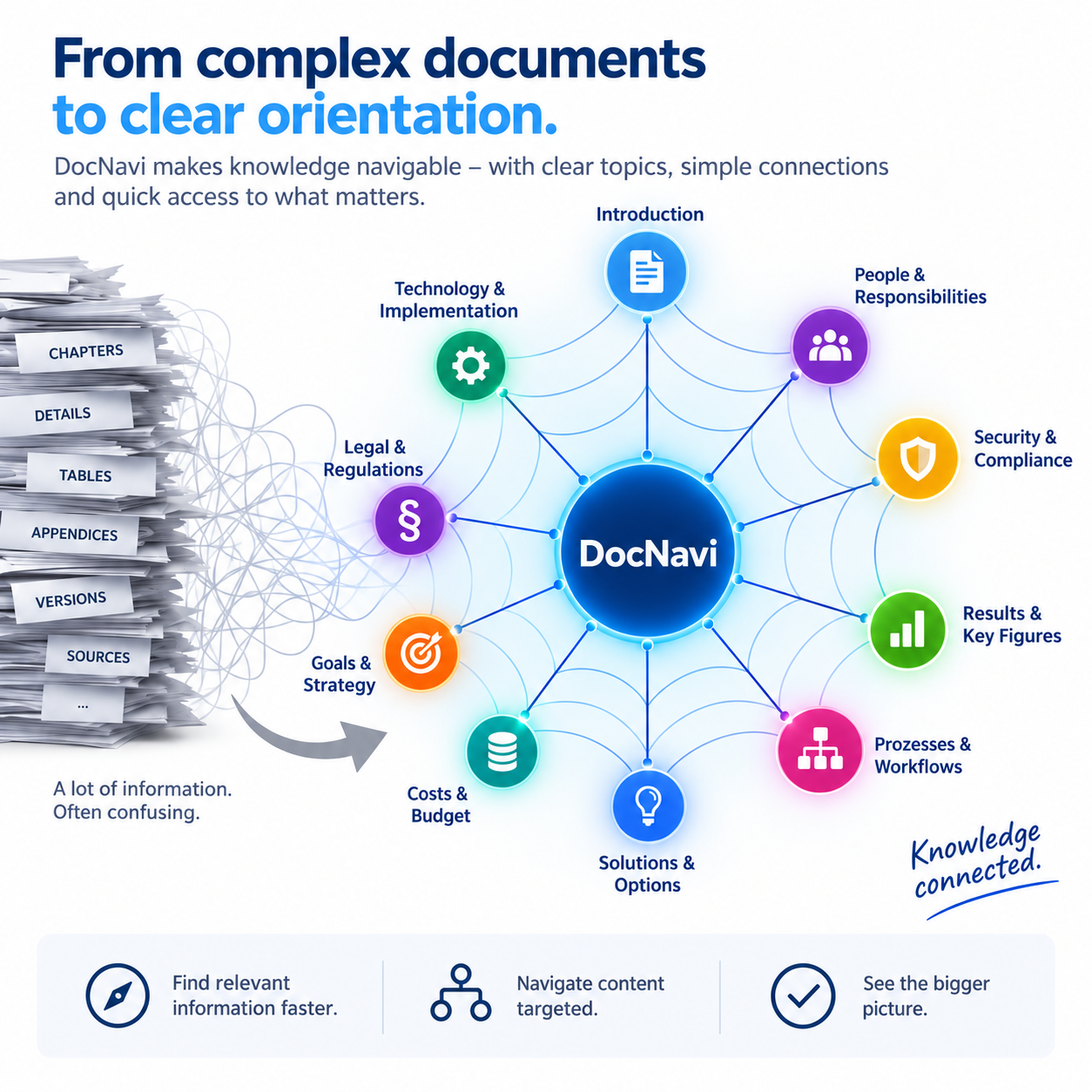
Clear orientation
Even large documents remain manageable and can be accessed in a targeted way.
DocNavi does not create your documentation for you. It helps you structure content clearly, make relationships visible and work through extensive documents systematically.
Instead of prescribing ready-made documentation, DocNavi supports the work process: structuring content, reaching relevant sections faster and keeping track even as documents grow.
Organize content in a comprehensible way and create a robust document structure.
Switch purposefully between topics and relevant document sections instead of searching for a long time.
Edit and review extensive documentation systematically and with clear orientation.
A tool for technical and specialist documentation where overview and consistent structure are crucial.
Even large documents remain manageable and can be accessed in a targeted way.
You determine content and structure. DocNavi supports you without doing the documentation for you.
DocNavi fits into your existing documentation process with Microsoft Word.
Structure and navigation reduce unnecessary jumping and searching in the document.
The benefit increases especially where scope and complexity grow.
From initial setup to revision, the work process remains transparent.
With DocNavi, “documentation” is broadly defined. It includes, for example, technical and specialist documentation, instructions, guides, conditions, procedure descriptions, recipes and other extensive documents that need to be worked through in a structured way.
All DocNavi add-in menus are available in 27 languages. The menu language can be freely selected and changed at any time, independently of the language of the document being edited.
DocNavi does not impose its own document design. Existing formatting, templates and your established corporate design can continue to be used. Your documents retain their familiar appearance.
Also suitable for SAP environments: In conjunction with ZDOCLINK, DocNavi can be integrated as a Word-based documentation solution into SAP® ERP processes. ZDOCLINK provides the interface between SAP and the associated documentation.
Download DocNavi free of charge and try all features for 30 days. Afterwards, you can permanently unlock DocNavi by purchasing a license.
No payment details are required for the 30-day trial.
Before installation, please close Microsoft Word. Then open the downloaded DocNavi_Setup.msi file to install DocNavi.